Day
Browse records for the date you select—not only today.
A daily workspace for teachers
ClassThread brings attendance, leave, homework follow-up, student records, family communication, and your own custom workflows into one calm teacher workspace.
Explore ClassThread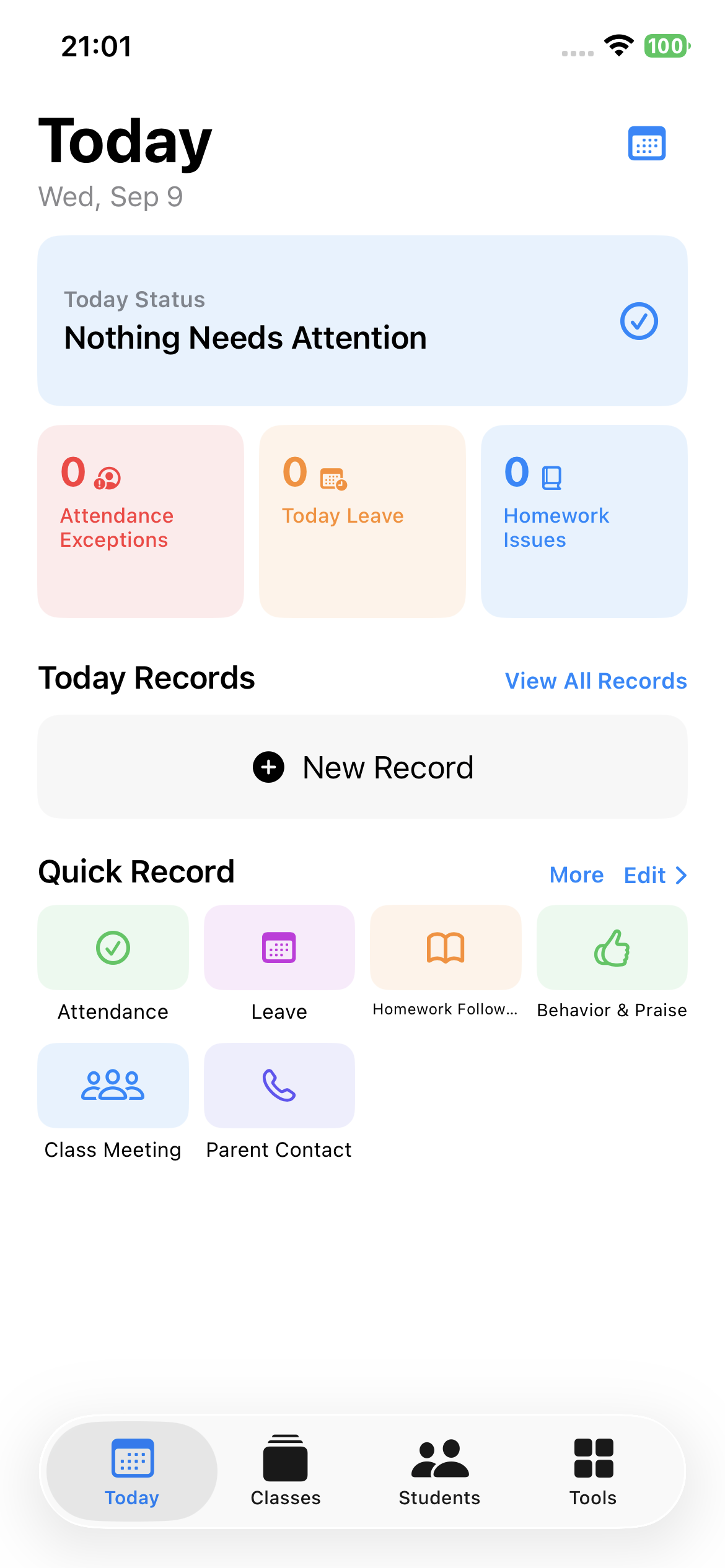
Today
Today brings together Today Status, attendance exceptions, leave, homework issues, and today’s records. Quick Record keeps a useful note close when the moment happens.
Classes & students
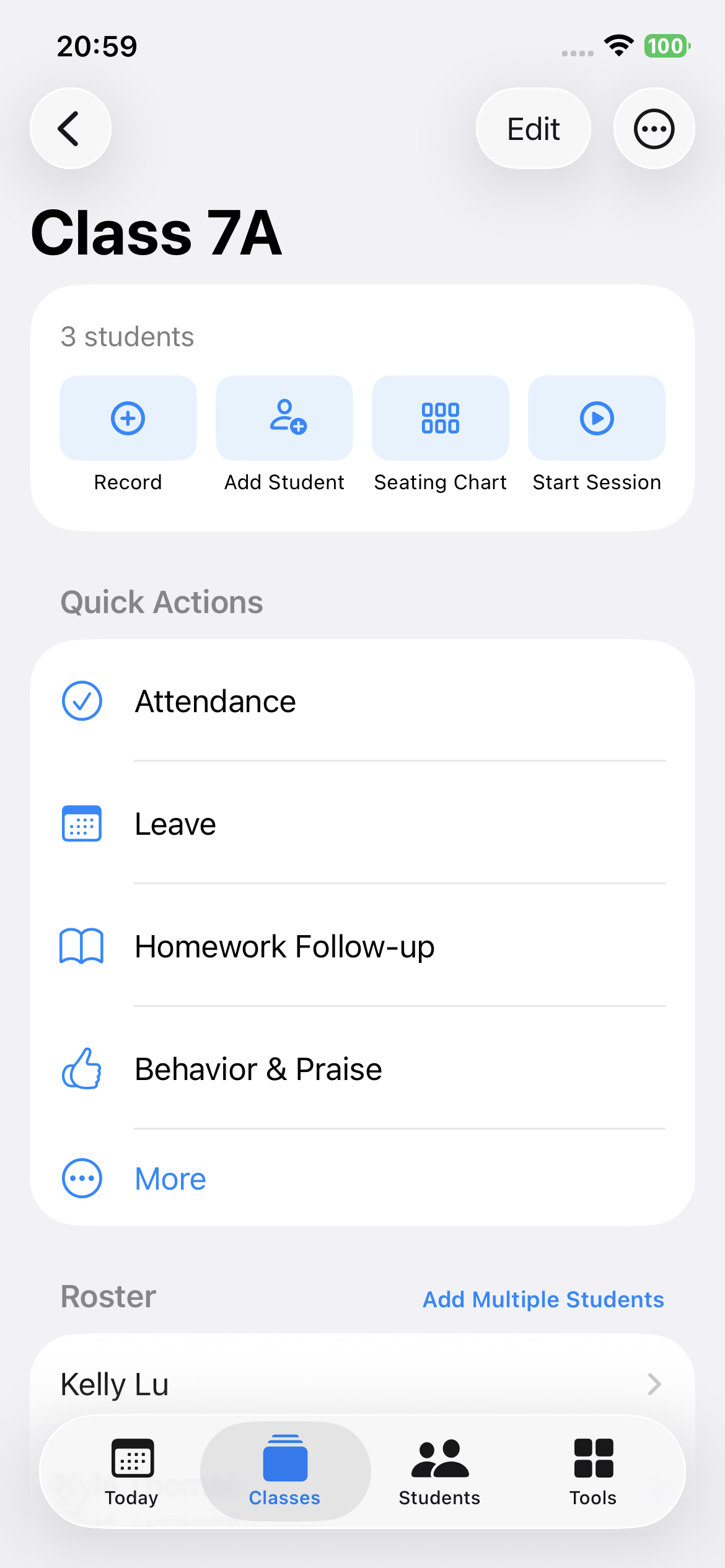
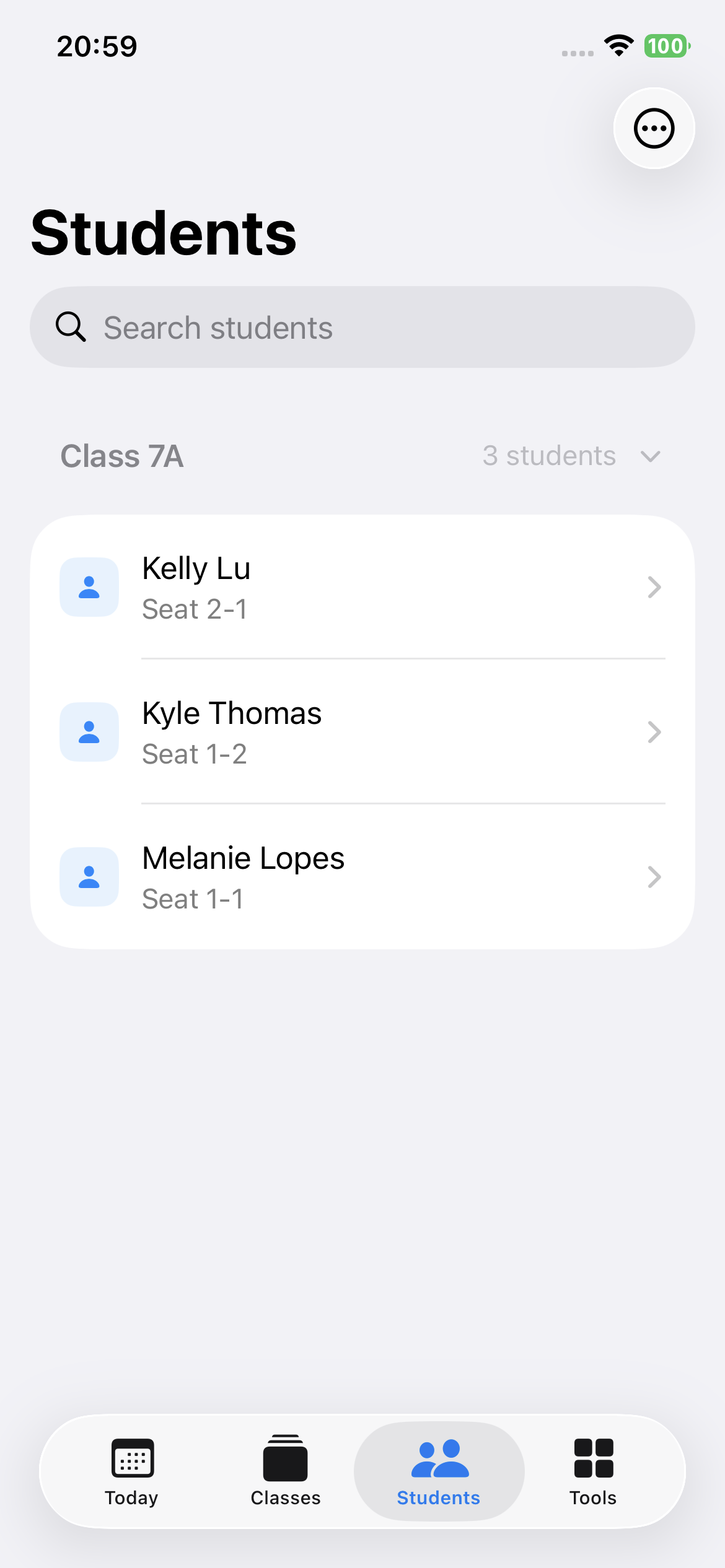
Keep a classroom roster, seating context, student groups, and quick class actions close at hand. Search makes it easy to find a student when time is short.
Student management supports editing a student, transferring them to a class, setting a status, and removing a student when needed.
Student history
Student-related records stay organized in each student’s timeline, making past context easier to find when you need it.
Teacher tools
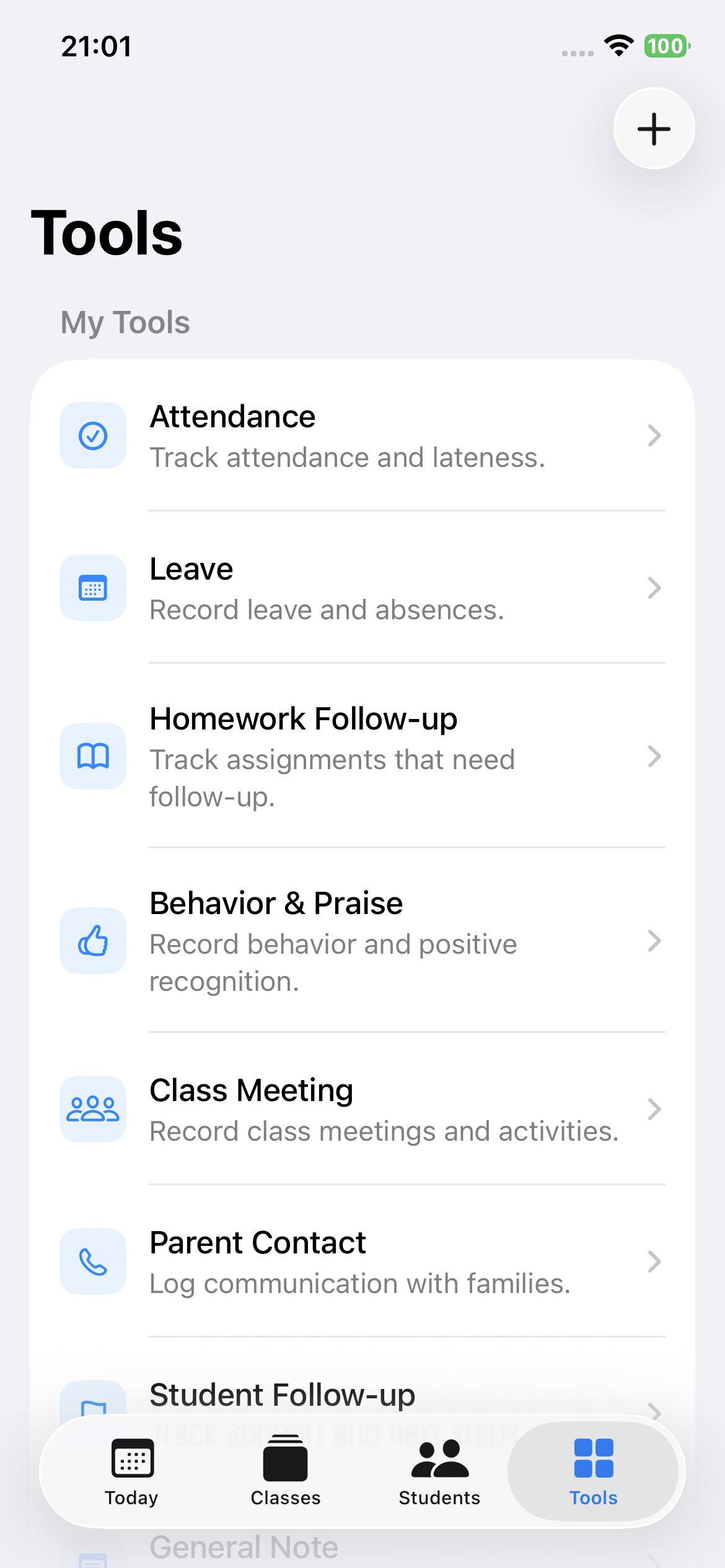
Use purpose-built tools for the routines that fill a school day—from attendance and leave to family communication and follow-up.
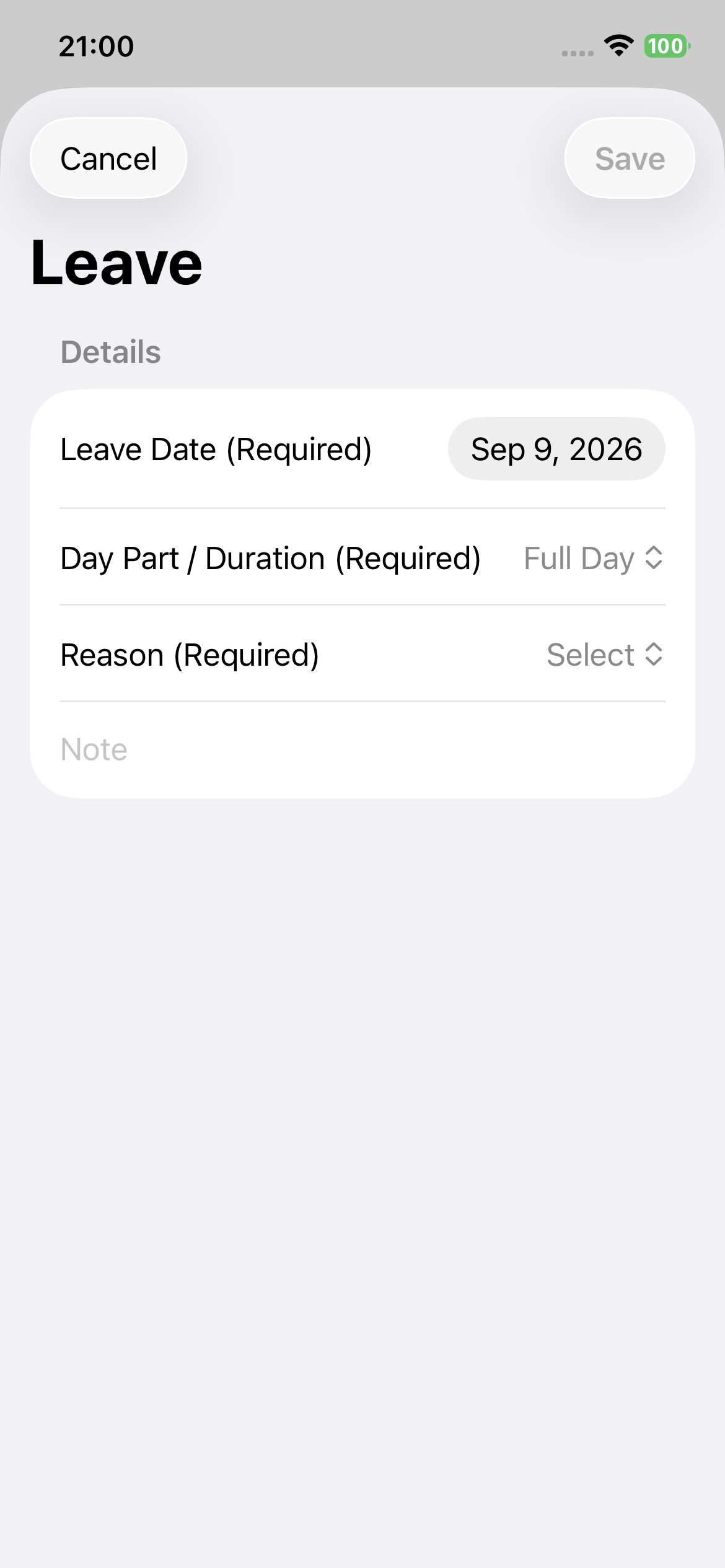
Leave
Dedicated tools make it easier to record the details that matter without turning a teacher’s day into a spreadsheet.
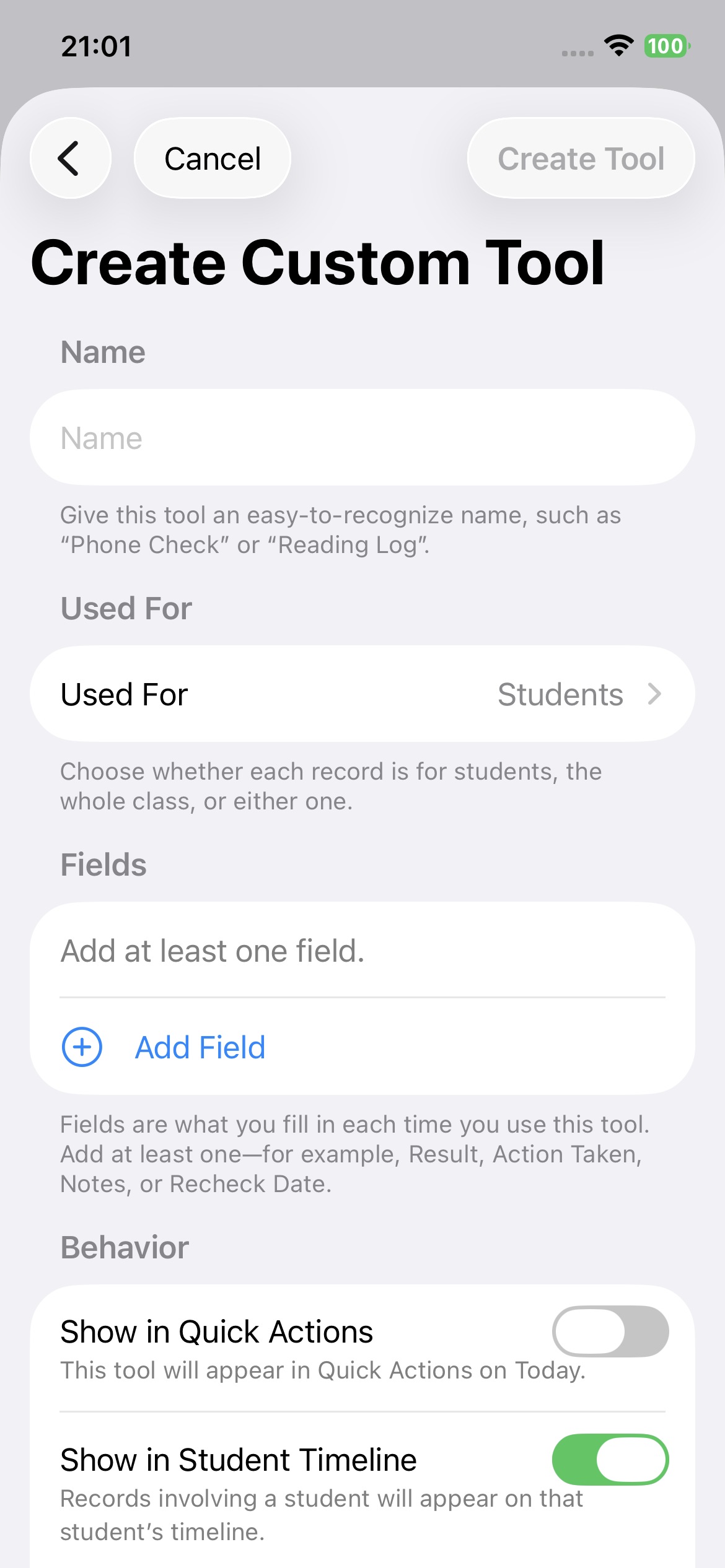
Custom tools
Create a tool for the work that is particular to your classroom. Configure fields and choice options, then use it alongside your built-in tools.
Browse records for the date you select—not only today.
View all records, grouped by date, for the longer view.
Normal use is local-first. Export or share only when you choose a destination.
Questions
ClassThread is a local-first daily workspace for teachers to organize classroom records and workflows.
No. Normal use does not require an account or a developer-operated server.
Primary app data is stored locally on your device.
Yes. You can explicitly export backups and supported CSV or PDF records, or use the system Share Sheet where available.
Day shows records for a selected date. History shows all records grouped by date.
Yes. Custom Tools let you define fields and choice options for your own classroom workflow.
You can transfer a student to another class from student management, while keeping your classroom organization up to date.
ClassThread
Explore the details, or get help with the first class you set up.
Visit Support